Portrait Studio
Creative media engine
Make media.Make it move.
Generate, edit, style, restore and ship images, video, voice and 3D — from one visual studio or one production API.
Web, mobile & API
Usage-based credits
Built to automate

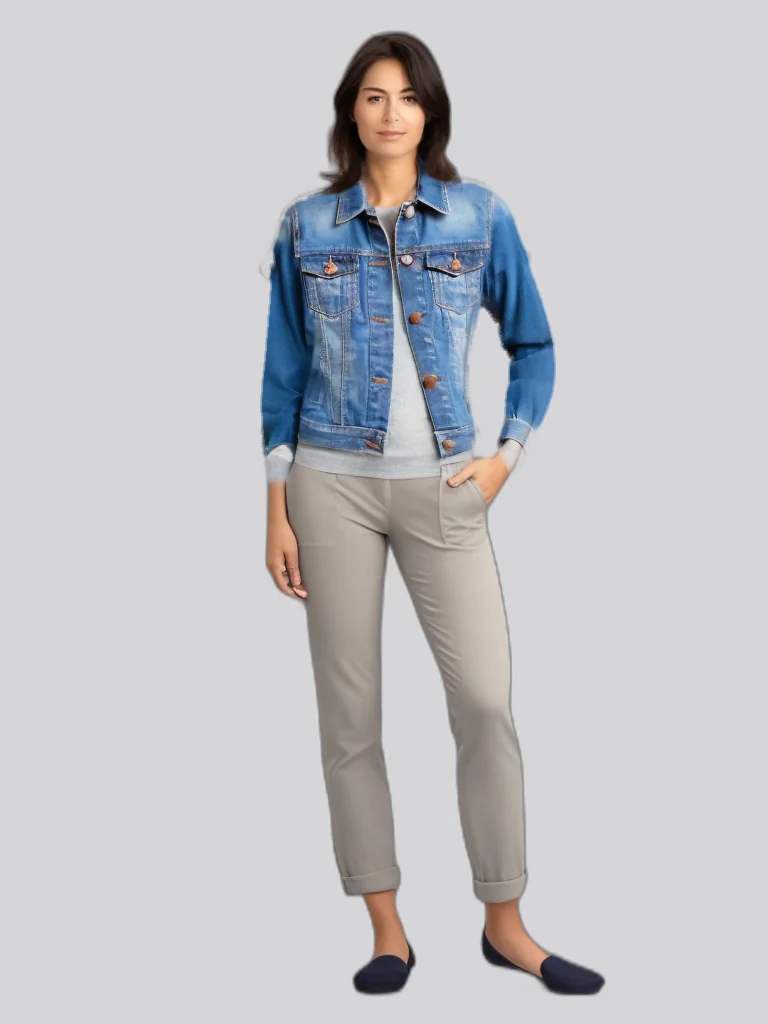

Internal showcase run
No stock gallery
Image generationVirtual try-onProduct photographyVideo creationVoice & audio3D & VFXMedia restoration
Made with PixelAPI
The output is the interface.
Virtual Try-On
One garment. Another look.
Flat Lay
Catalogue-ready.
Virtual Try-On
The jacket, on-model.
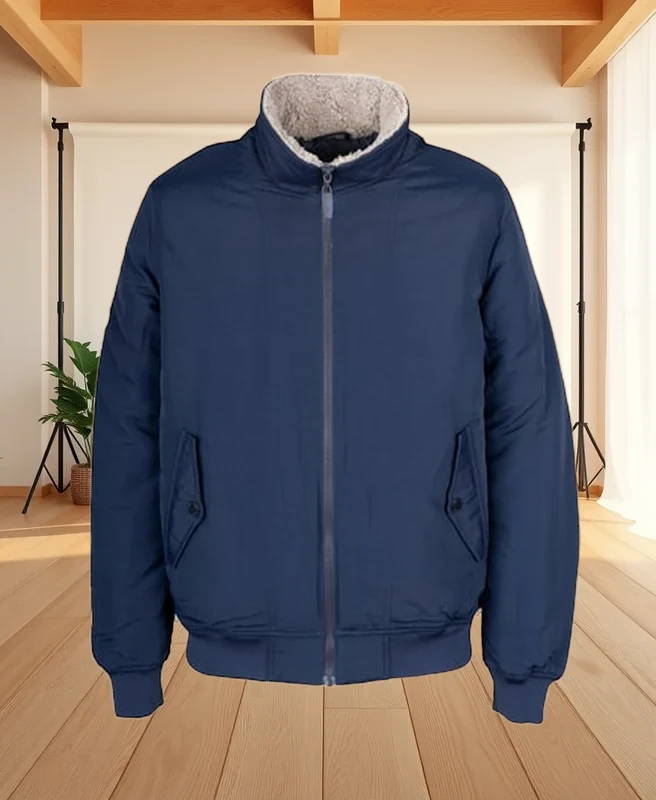
Image Edit
A clean studio finish.
Every image above is a published output from an allowlisted internal PixelAPI run — not a customer gallery.
One creative flow
From idea to asset, without tool hopping.
Start visually. Refine with purpose-built controls. Move the same workflow into code when it needs to scale.
Describe the frame
Editorial portrait, soft window light, ivory and gold wardrobe, clean warm backdrop.
FormatSquare portrait
FinishEditorial
Variations4 frames
Create frames↗
Purpose-built edits
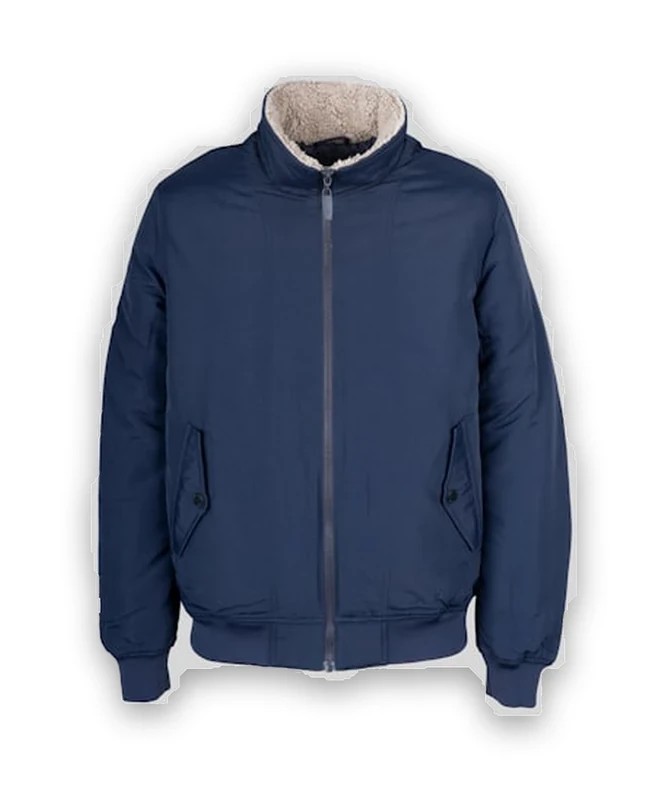
Remove, relight, restyle, export↗
Production pipeline
Receive assetWebhook or uploadReady
Apply media workflowOne authenticated requestDone
Validate outputStatus and metadataPassed
Ship resultReturn or callbackDelivered
Read the API docs↗
A studio with range
The right tool for every frame.
Focused workflows for creators, commerce teams and products that need media on demand.
↗
Finish the whole wedding gallery as one project.
Reference Match, resumable uploads, failed-photo retry, real review and one delivery ZIP for up to 5,000 selected images.
↗Generate a new world from a sentence.
Concepts, campaign frames, portraits and visual directions from text or a reference.
↗Fashion, on-model.
Move garments from source photos to styled model imagery.
↗Product media that sells.
Clean, stage, shadow and prepare catalogue imagery.
↗Put the frame in motion.
Create video and camera movement from an image or idea.
↗Turn one photo into a cinematic object study.
Lensora Studio guides a still image through a structured 3D-rendered video workflow.
↗Give the story a voice.
Create spoken audio, clean recordings and separate stems.
Small edits, real leverage
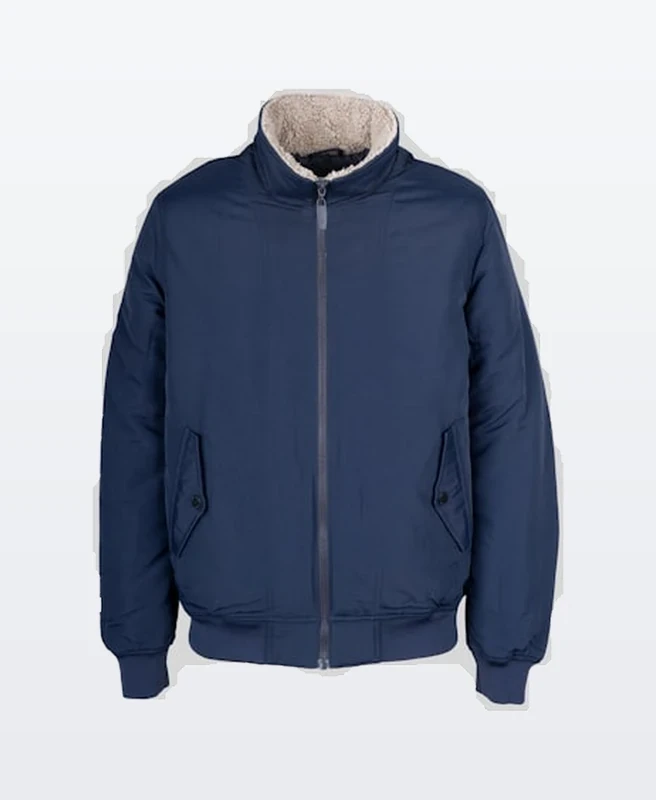
One asset. Three production finishes.
Turn repetitive cleanup into a repeatable media workflow.
One account, every surface
Create where the work happens.
Start in the browser, automate through the API, or carry Lensora with you.
Live
Web Studio
Visual tools, history and files in your browser.
LiveREST API
Authenticated media workflows for your product.
LiveLensora Android
Mobile creation with the same PixelAPI account.
Coming soon
Lensora iOS
The iPhone app is being prepared for release.
More than pixels
A voice for the frame.
Create spoken audio and build it into the same production flow.
“PixelAPI dot dev. Go build.”Verified synthetic voice · internal run
When the workflow needs scale
The studio has an API.
Take a proven visual workflow into your app, catalogue or content pipeline.
Remove a background
curl -X POST https://api.pixelapi.dev/v1/image/remove-background \
  -H "Authorization: Bearer $PIXELAPI_KEY" \
  -F "[email protected]"

# Receive a generation ID, then retrieve the result.
Your next frame starts here.
Explore the full creative studio free, then automate what works.
Quick answers
Before you create.
What can I make with PixelAPI?
Generate and edit images, create product and fashion media, work with video, synthesize voice, clean audio, build 3D assets and compose VFX through focused tools.
Do I need to write code?
No. Use the browser studio for visual workflows. When you need repeatability or volume, use the same account with the REST API.
Are the homepage images actual outputs?
Yes. The marked showcase media comes from allowlisted PixelAPI internal demonstration runs. No customer or personal account data is used.
Where can I use Lensora?
Lensora is live on Android. The iPhone release is in preparation; until then, the PixelAPI web studio works in a mobile browser.
How does pricing work?
Operations deduct credits based on the workflow. Current plan details are on the pricing page, and developers can inspect live operation-level pricing before integrating.
