There is a point in almost every wedding job when the creative decisions are done, but the repetitive work is not. You have culled the day, picked the keepers, chosen the look, and now hundreds of photographs still need to feel like one story.
That is the narrow problem Wedding Batch Studio is built to solve. It is not a replacement for culling, retouching a hero portrait, or making local masks. It sits after selection and before delivery: apply a consistent finishing direction, watch the entire project move through one queue, review the actual outputs, then download one ZIP with a machine-readable manifest.
The workflows this is built around already exist
Working wedding photographers routinely describe galleries containing hundreds or thousands of photographs, captured across changing locations and light. Their real editing workflows use a strong reference image or a base preset to keep related frames coherent, followed by a human review before export and delivery. Wedding Batch Studio turns that familiar middle stage into a resumable project.
1. A solo photographer finishing a selected gallery
After culling and correcting obvious misses, export the selected photographs as JPEG, PNG, or WebP. Pick Natural Warm, True Color, Cinematic Soft, or use one approved image as the Reference Match target. The source files upload sequentially, so a large job does not have to sit in browser memory all at once.
2. A studio combining two photographers and several cameras
A ceremony may move from window light to flash, then outdoors, then into a reception hall. A studio can choose an approved hero frame and use it as the color reference for the selected gallery. The aim is not to pretend every room had the same light; it is to keep the finishing philosophy related from scene to scene.
3. Busy-season backlog without restarting failed work
Every photo has a stable client asset ID. Uploading the same ID again returns the existing asset instead of creating a duplicate. If the browser closes or the connection drops, the project remains on the account. Resume it, retry only the failed images, and leave the completed work alone.
4. A retouching team working from an approved look
The lead editor can approve a reference image, then hand the batch project to an operator without asking them to reverse-engineer the look. The finished gallery and manifest give the reviewer a clear record of which source became which output.
5. A gallery, studio portal, or production service using the API
The browser is useful for a human job. The API is useful when a studio already has an upload portal, booking system, DAM, or delivery workflow. Create a project, upload files one by one, start the job, poll the project, and hand the resulting ZIP to the next stage.
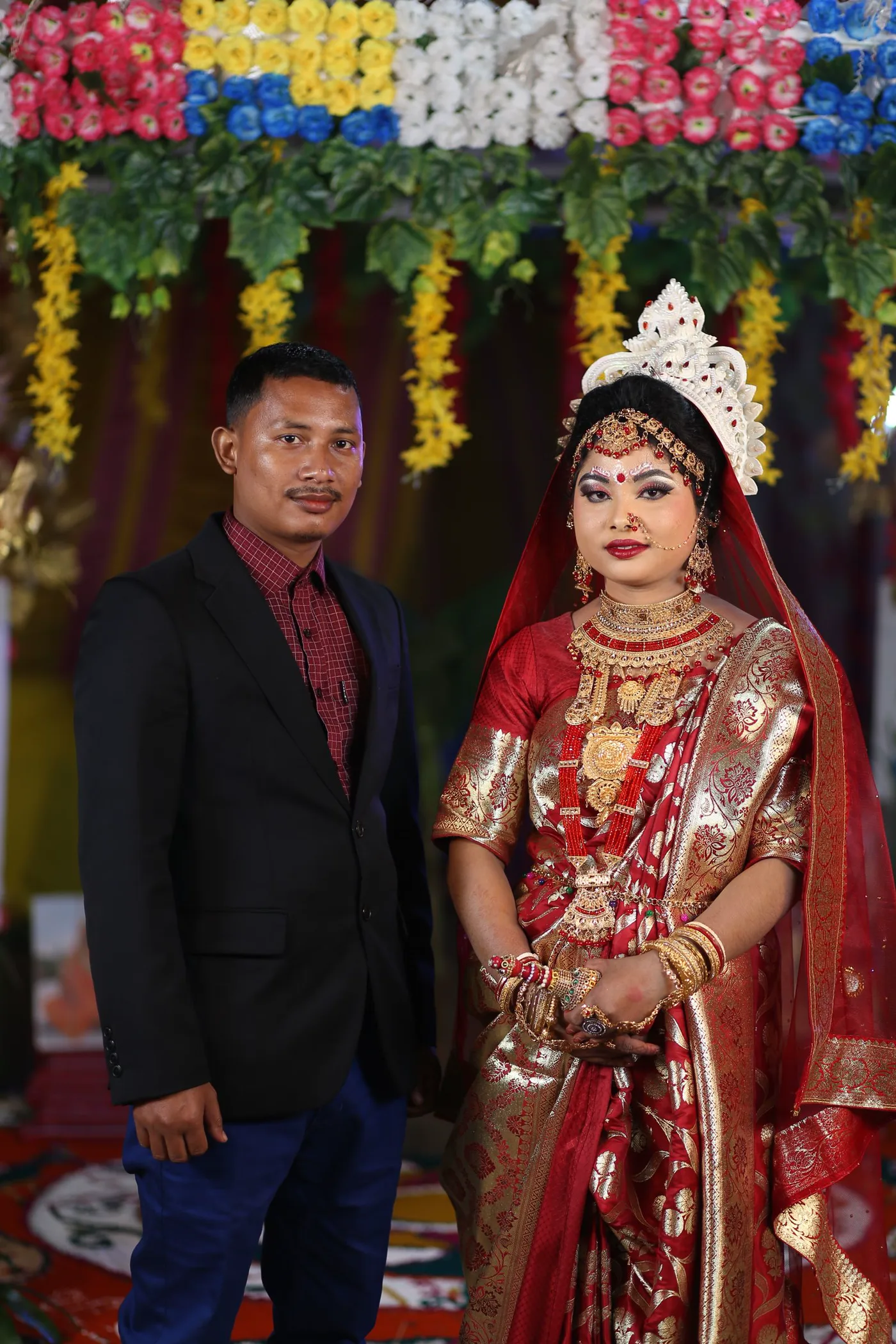
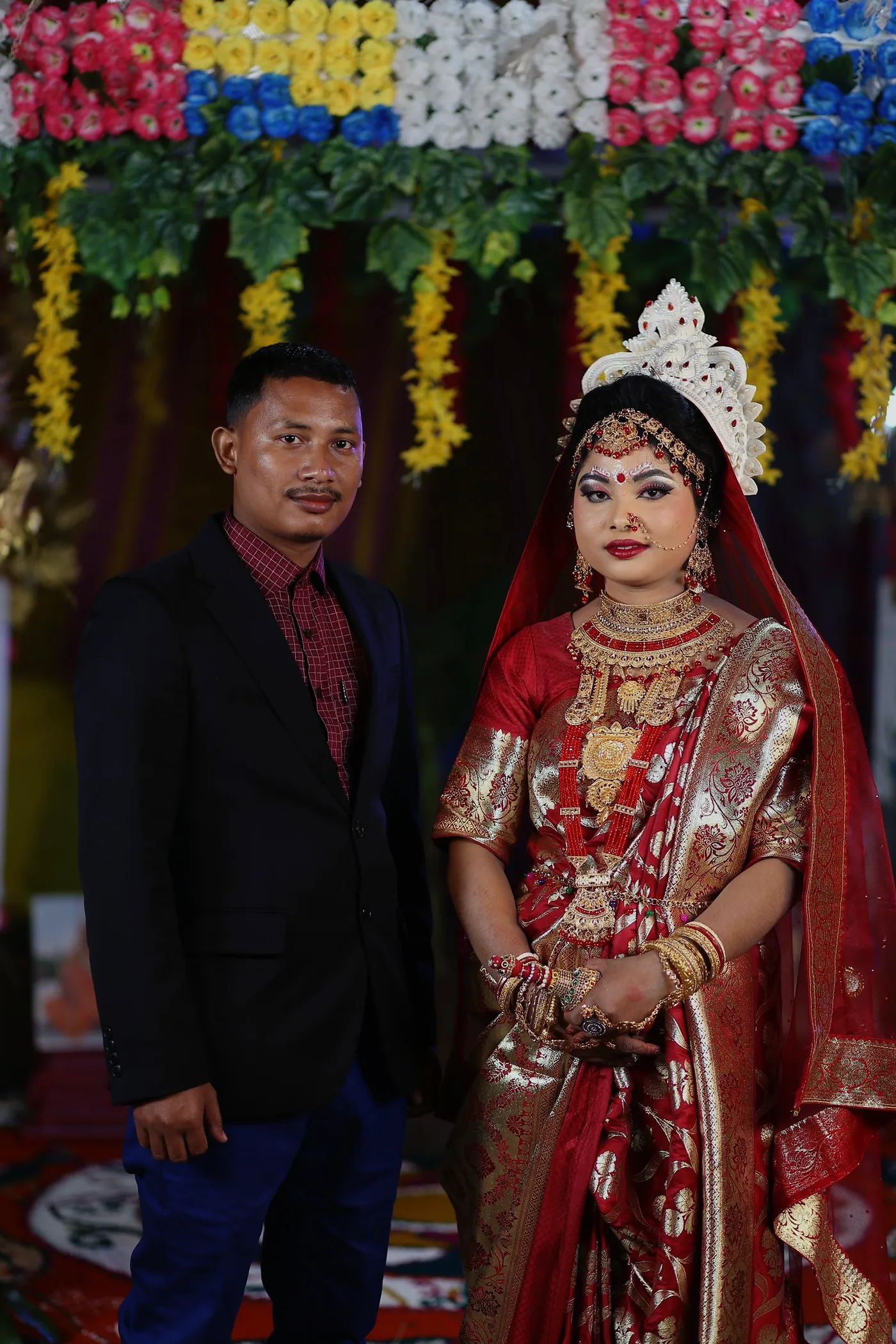
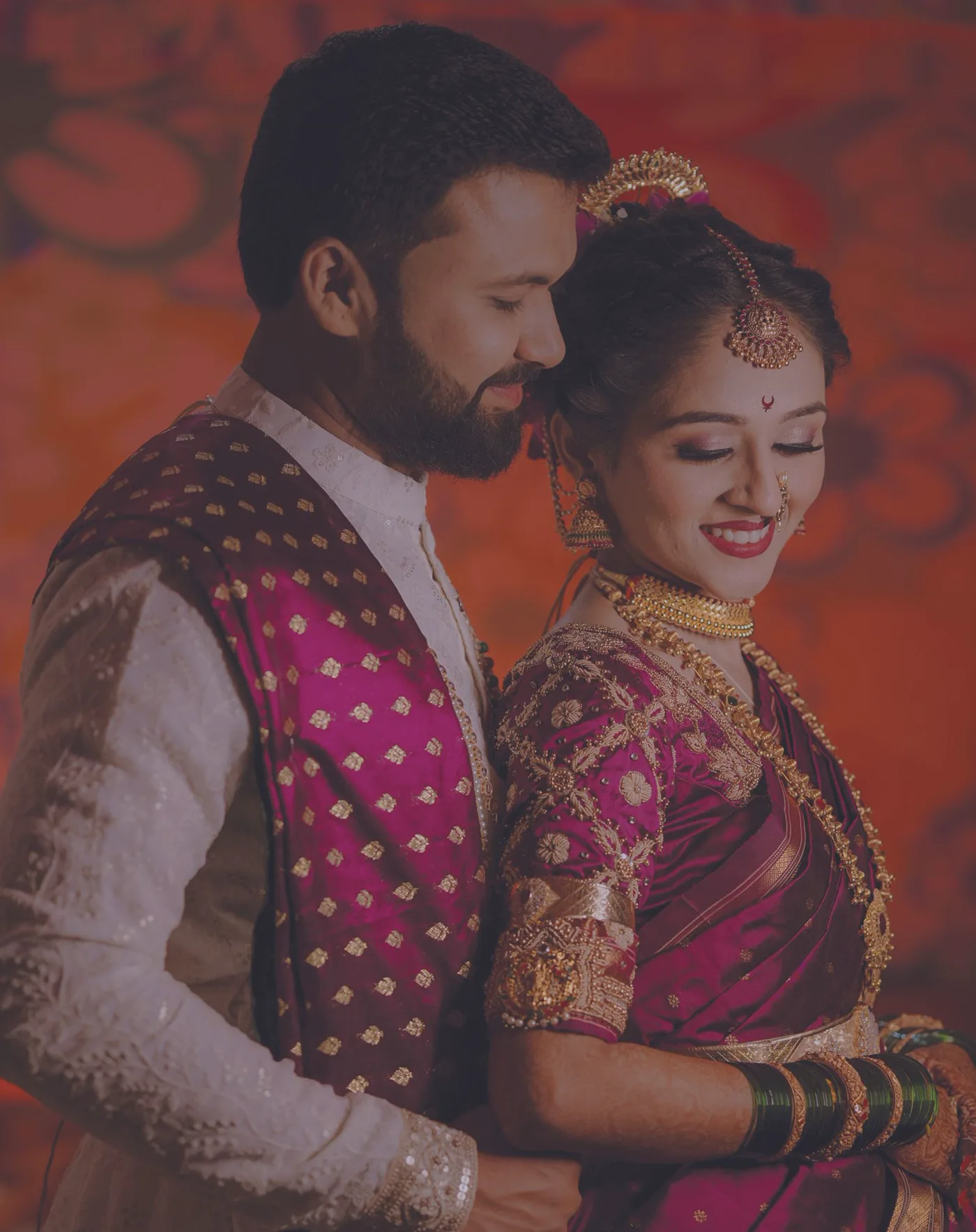
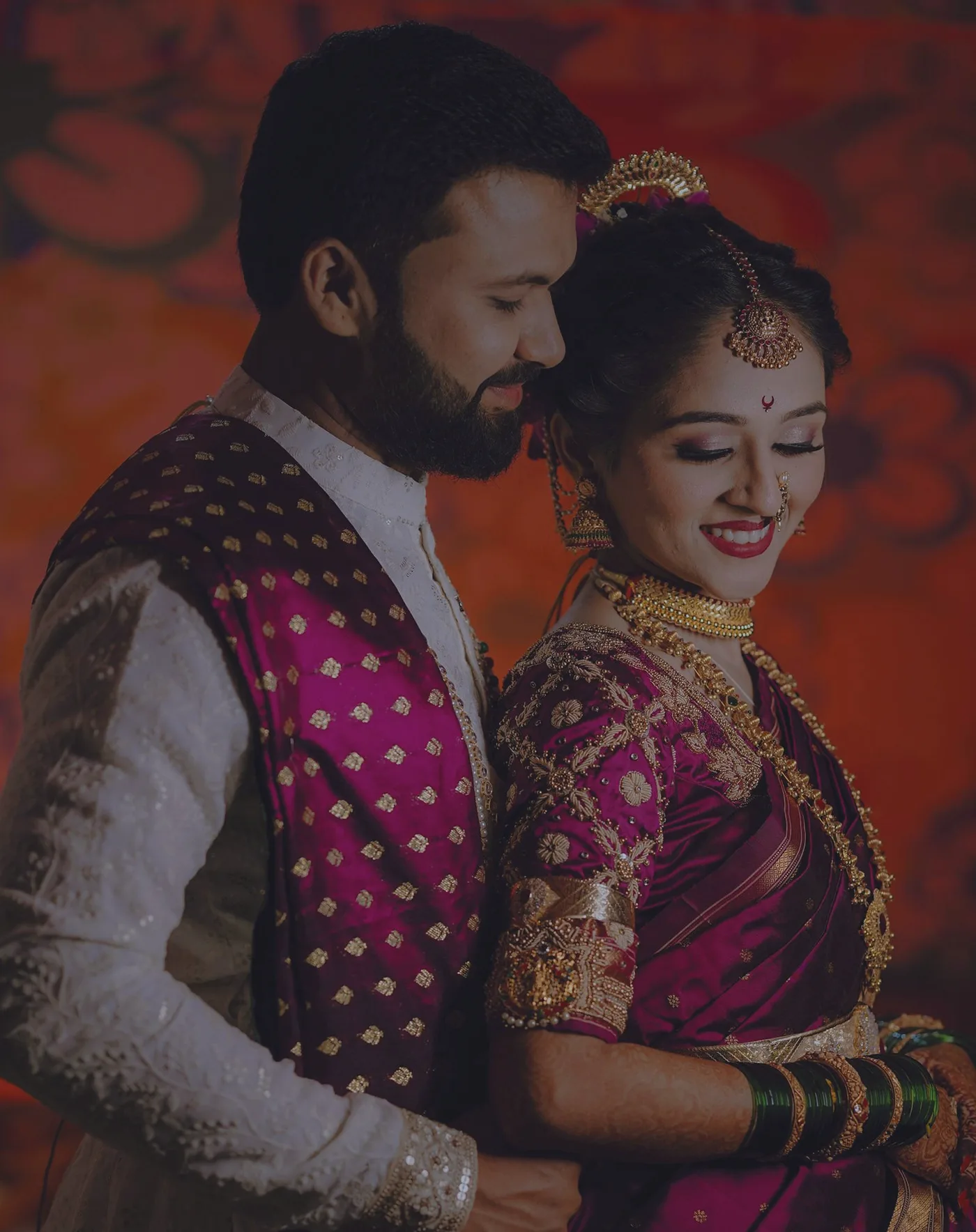
What a browser project looks like
- Sign in to PixelAPI and choose Wedding Batch Studio from the left menu.
- Name the project. The name travels with the manifest and makes interrupted jobs easy to find.
- Choose a finishing preset. Reference Match asks for one approved reference photograph.
- Select up to 5,000 source photographs. Files upload sequentially with stable identities.
- Start processing and watch completed, remaining, failed, and cancelled counts update.
- Review the real finished images. Retry only failures if necessary.
- Download the delivery ZIP, open the manifest, or share the delivery link.
The API has the same lifecycle
The API is deliberately project-shaped rather than a single giant upload. That keeps a 20-photo job and a 5,000-photo job understandable, and it lets a client resume after an interrupted session.
POST   /v1/wedding-projects
POST   /v1/wedding-projects/{project_id}/assets
POST   /v1/wedding-projects/{project_id}/start
GET    /v1/wedding-projects/{project_id}
GET    /v1/wedding-projects/{project_id}/assets
POST   /v1/wedding-projects/{project_id}/retry
POST   /v1/wedding-projects/{project_id}/cancel
GET    /v1/wedding-projects/{project_id}/manifest
DELETE /v1/wedding-projects/{project_id}/assets/{asset_id}
Each source image costs one credit when a project starts. A file can be up to 40 MB. Reference images do not count toward the 5,000-source limit. The create call and per-file uploads are idempotent when you reuse the same project key and client asset IDs.
Automation should still end with a human look
A wedding gallery is not a spreadsheet. Faces, skin tones, dresses, indoor light, mixed flash, and emotionally important frames deserve a final review. The point of batch finishing is to move the repeated base work out of the way so attention goes to the images that really need judgment.
That is also why the studio never hides the output. You see the finished gallery in the browser, every completed asset has an output URL in the API, and the delivery ZIP includes the actual images plus a manifest.
Further reading from working photography workflows
The product shape follows practices photographers already discuss: consistent base edits across large wedding galleries, grouping similar lighting, comparing against a chosen reference, and doing a final human review before delivery. See the practical wedding-editing workflow from Aftershoot and the reference-photo approach described by Greenhouse Creative Studios.
Take one selected wedding from upload to ZIP.
Use the visual studio for a human workflow, or follow the tested API tutorial when the batch belongs inside your own product.
Open Wedding Batch StudioFollow the tutorial